How to identify indexed journals in Web of Science?
To check, whether the journal is indexed in the Web of Science database, follow these steps.
1. Enter the URL in the search bar https://mjl.clarivate.com/home , after which you will be redirected to the search page in the Clarivate Analytics Main Log.
2. Enter the name or ISSN of the target journal in the search field.

3. Then after entering the name of the journal or its ISSN number, press the button “Search Journals” 
4. As a result, you will be redirected to a page with information about our magazine.

Here you can read the information of this publication in detail, share the link or go to the profile of the magazine itself.

How to identify Scopus indexed journals?
Scopus is the number one database of peer-reviewed and cited journals, which contains over 70 millions of articles, such as scientific articles, materials of conferences, sections of books, lecture notes and books.
To make sure, that the target log is indexed in scopes or not, we need to follow the following steps.
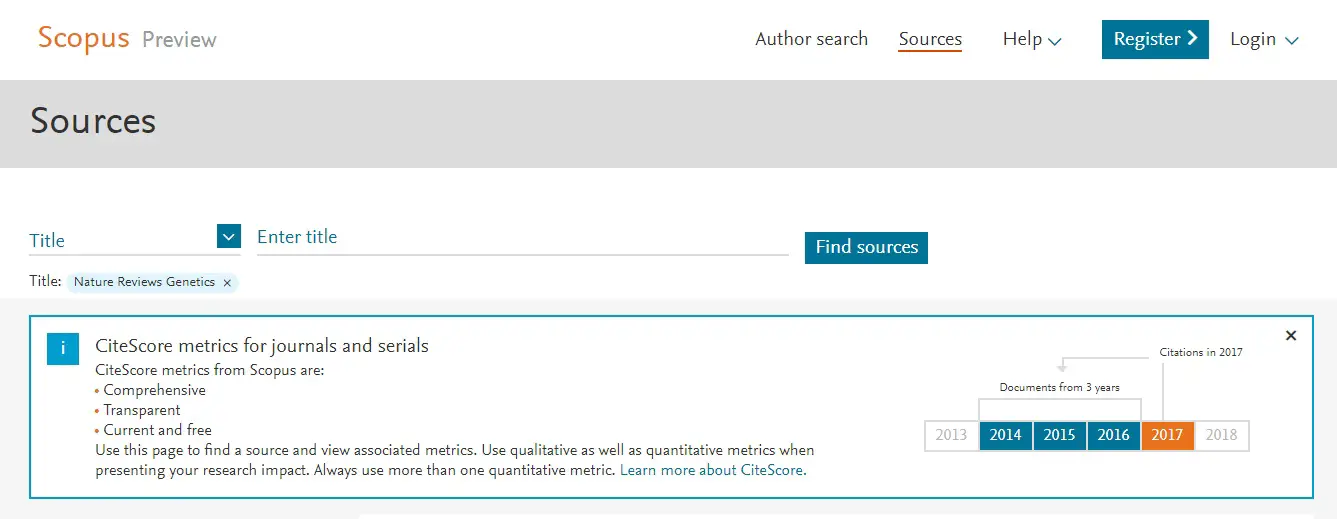
- Type the URL in your address bar: www.scopus.com/sources
It will be aimed at browsing sources on Scopus.com – search page by journal list
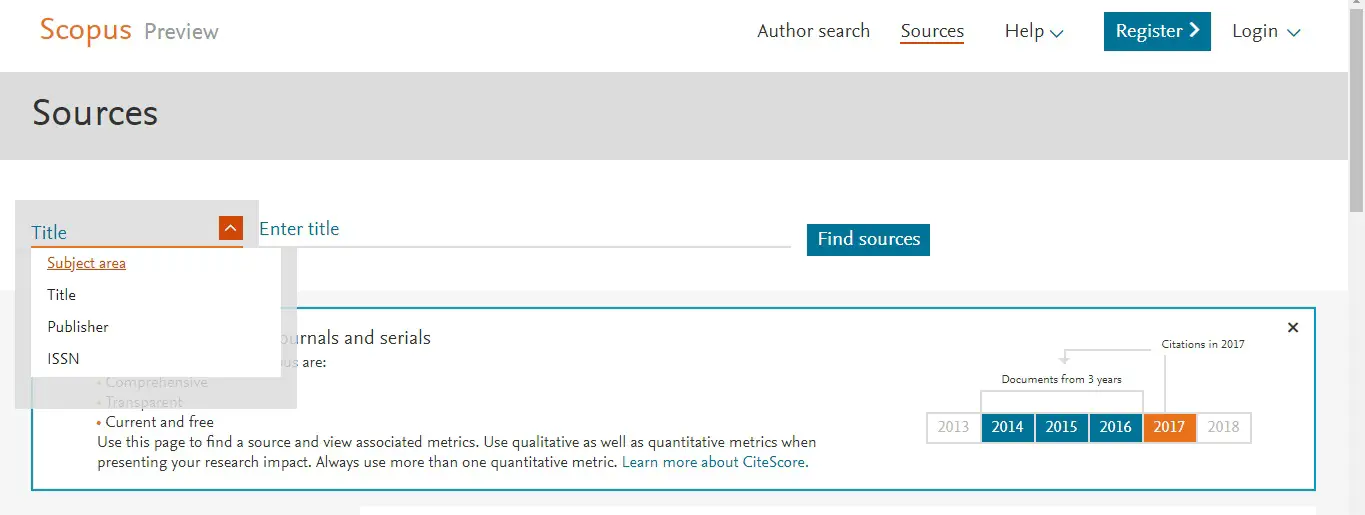
2. Choose a title, publisher number or ISSN number of the target journal, to find Scopus indexing.
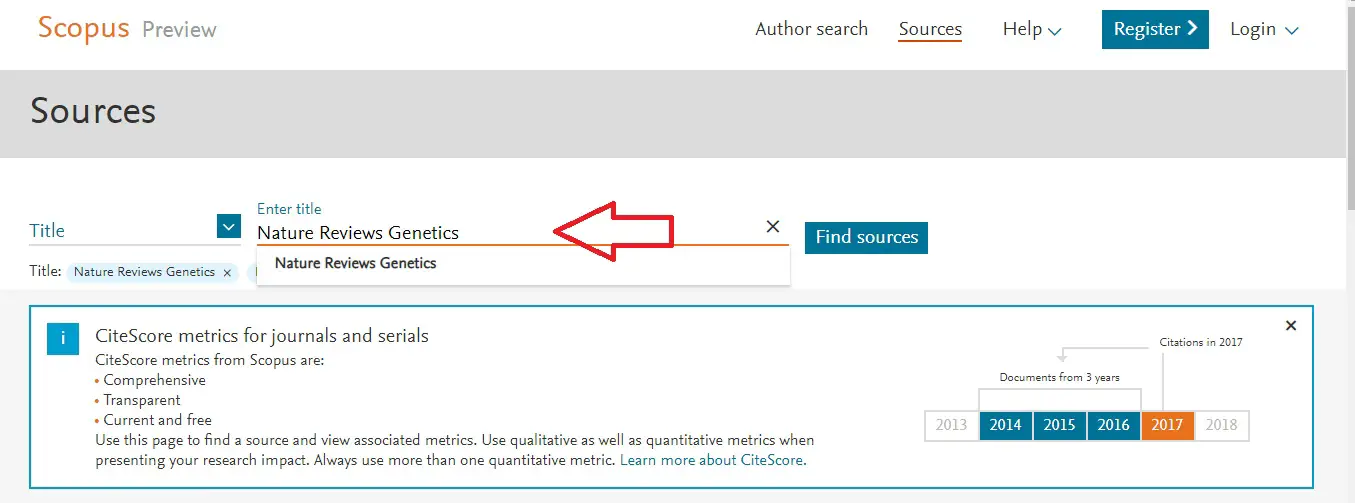
3. Enter the name of the target journal in the Title field.
After specifying the name of the journal, click the "Find sources" button.
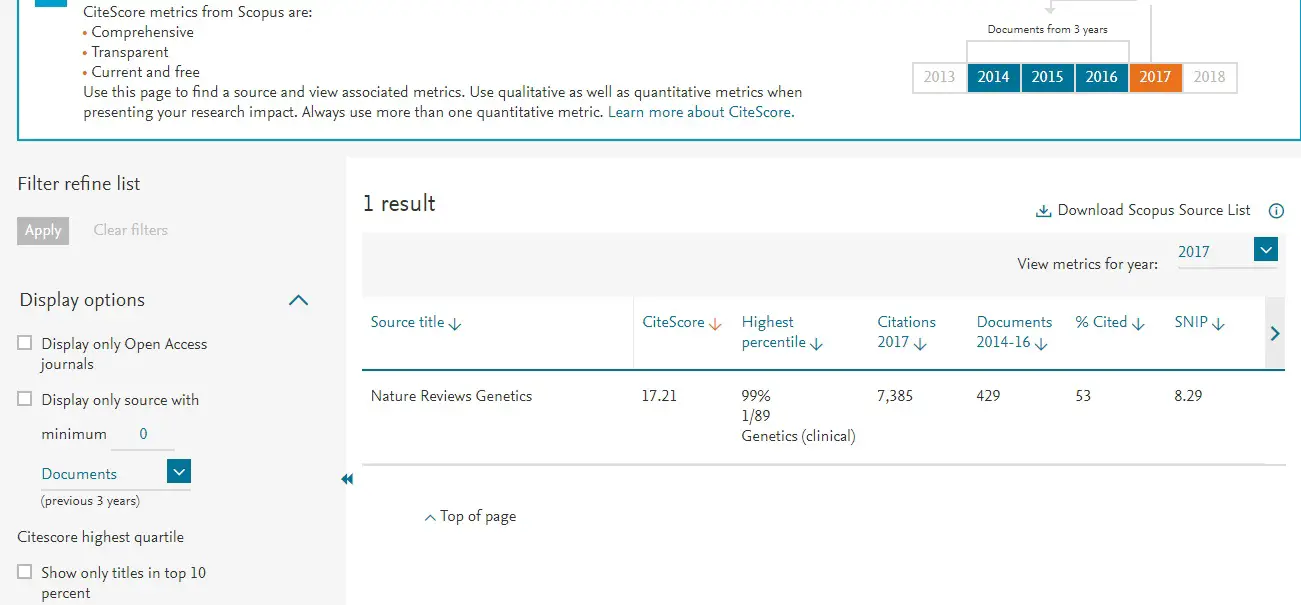
4. Finally, you will get detailed information about the log with all the lighting of the database.
It can be seen here, that this Nature Reviews Genetics journal is indexed in the Scopus database. in addition, you will receive the Scopus Impact Factor and journal citation reports for the past five years.

How to identify Scimago rating magazines?
SCImago Journal & Country Rank is a publicly available journal and country scientific ranking site. SCImango ratings are used to analyze a quality journal for publication. Also, this rating system works on Scopus.
To check the log, whether it is indexed in the Scimago database or not, follow these steps.
1.Go to ScimagoJr. You will be directed to the Scimago Journal search page & Country Rank
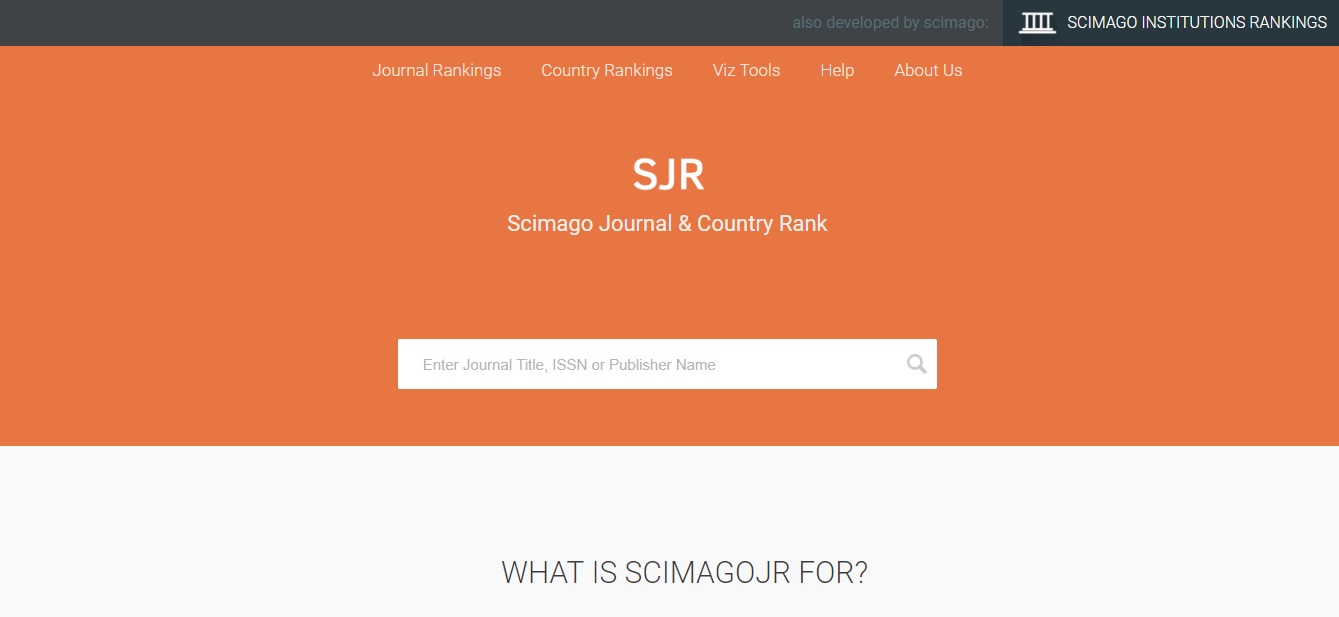
2. Enter the name of the target journal in the search field. Then click the search button. You can specify the name of the word, the full name of the journal or the ISSN number in the search bar.
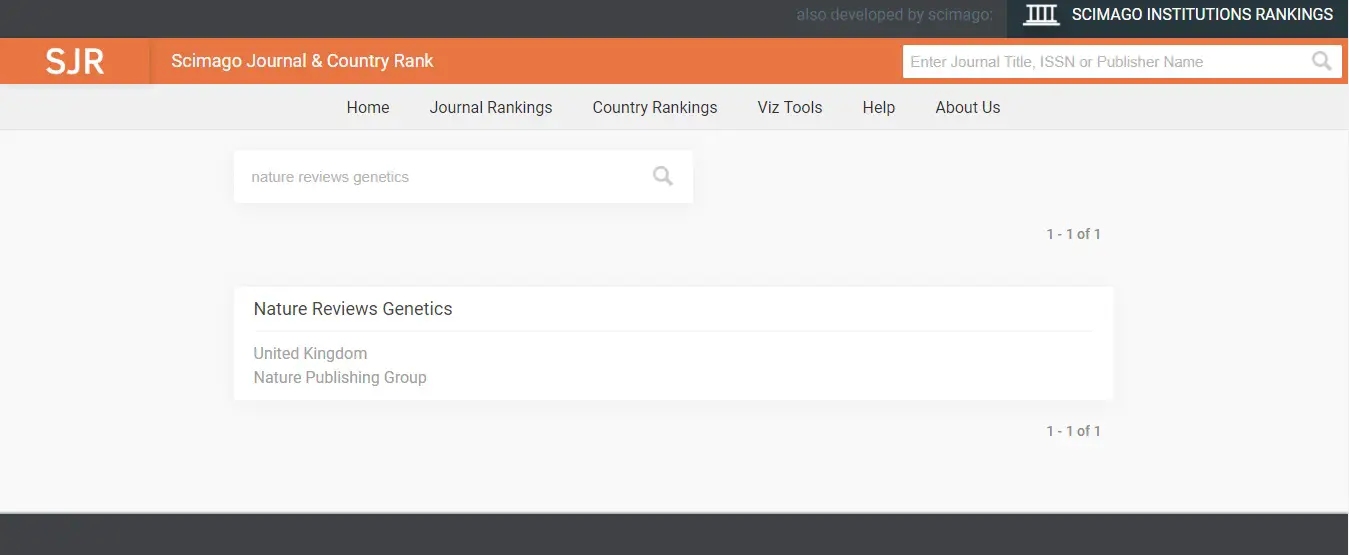
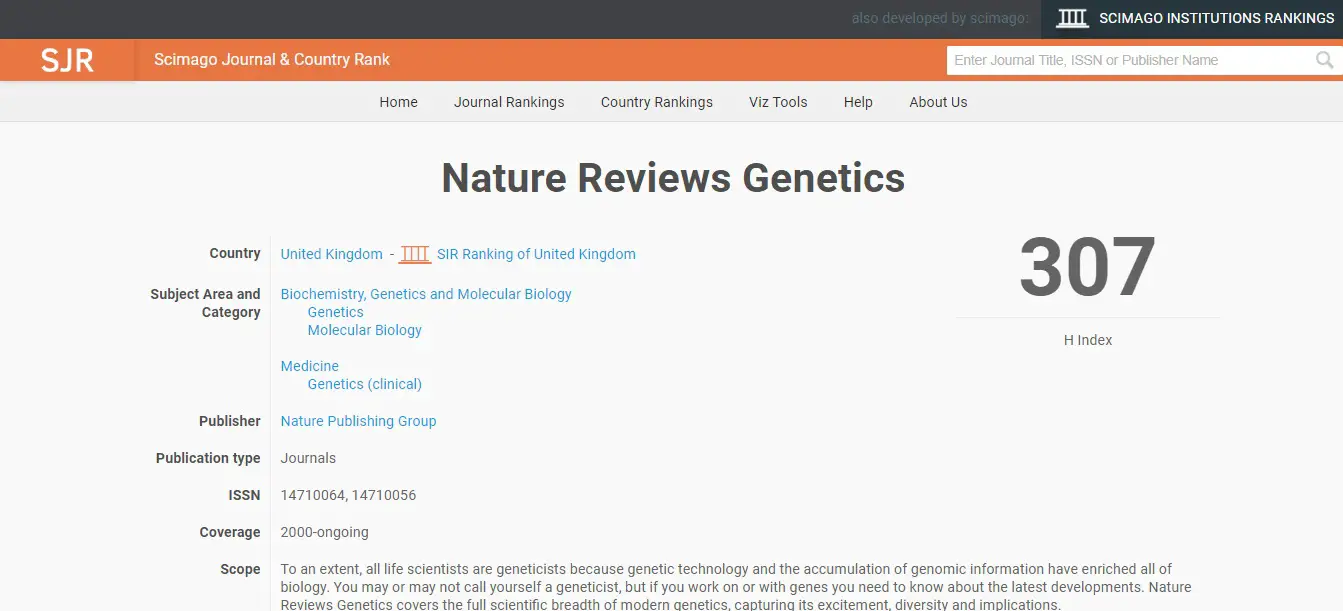
3. The next step is to select a magazine name. Scimago rating summary. You will be redirected to the rating page.
4. Finally, you will get detailed information about the magazine with all the details of the ranking results of the Scimago database. It can be seen here, that this Nature Reviews Genetics journal has taken its place in the Scimago journal.