
How to create a profile in Web of Science as a scientist

September 29, 2022
To start the registration procedure in Web of Science, you need to follow the link:
Web of Science Researcher Profiles
You will be redirected to the main registration page, where you will need to press a button “Create or manage your own profile”

After that, a window will open for filling in the scientist's data (data must be filled in English)
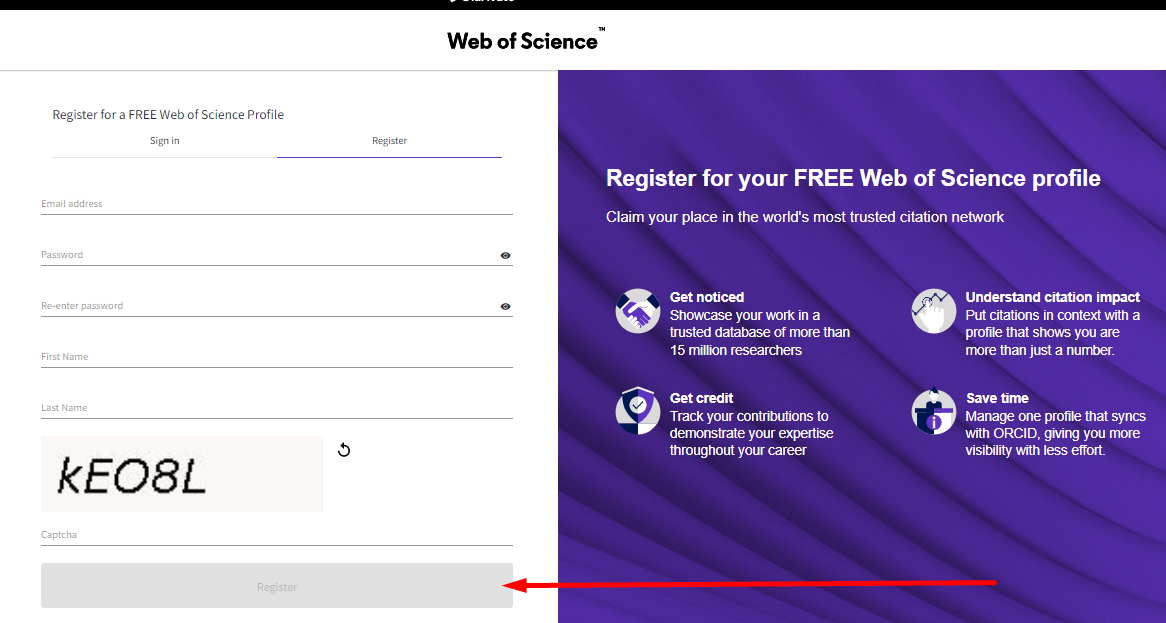
After registration, an author profile in Web of Science will be created for you:
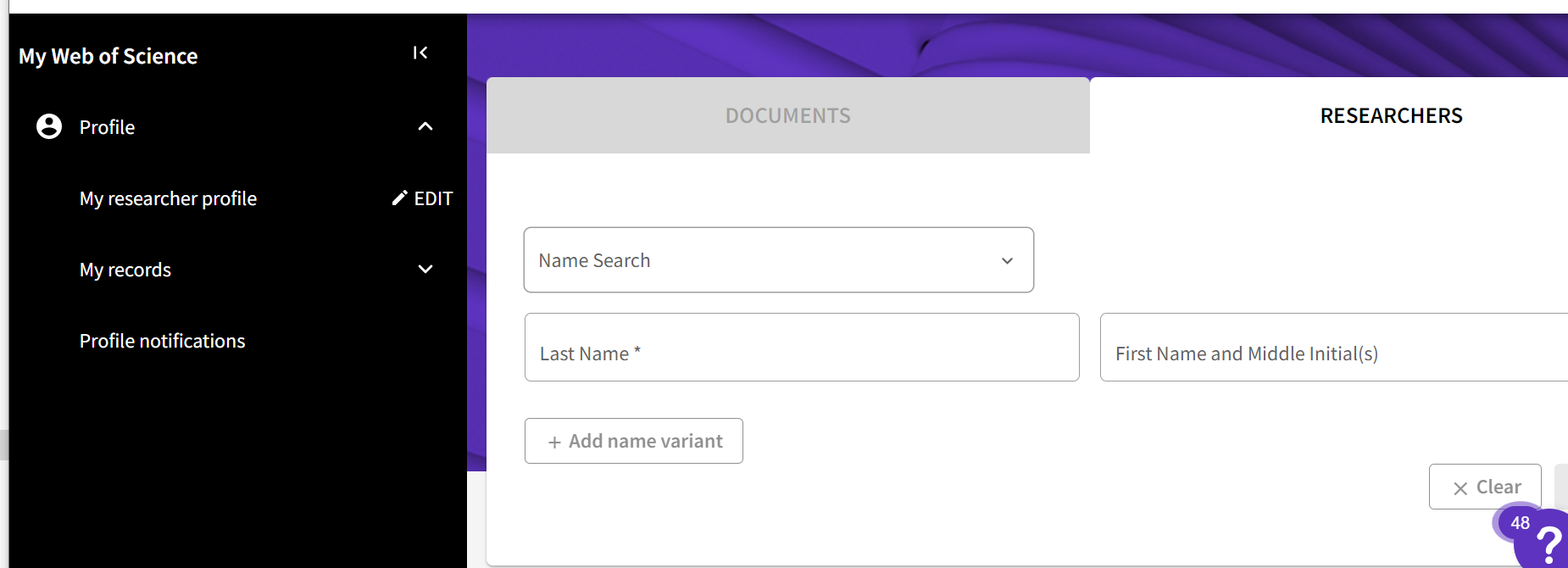
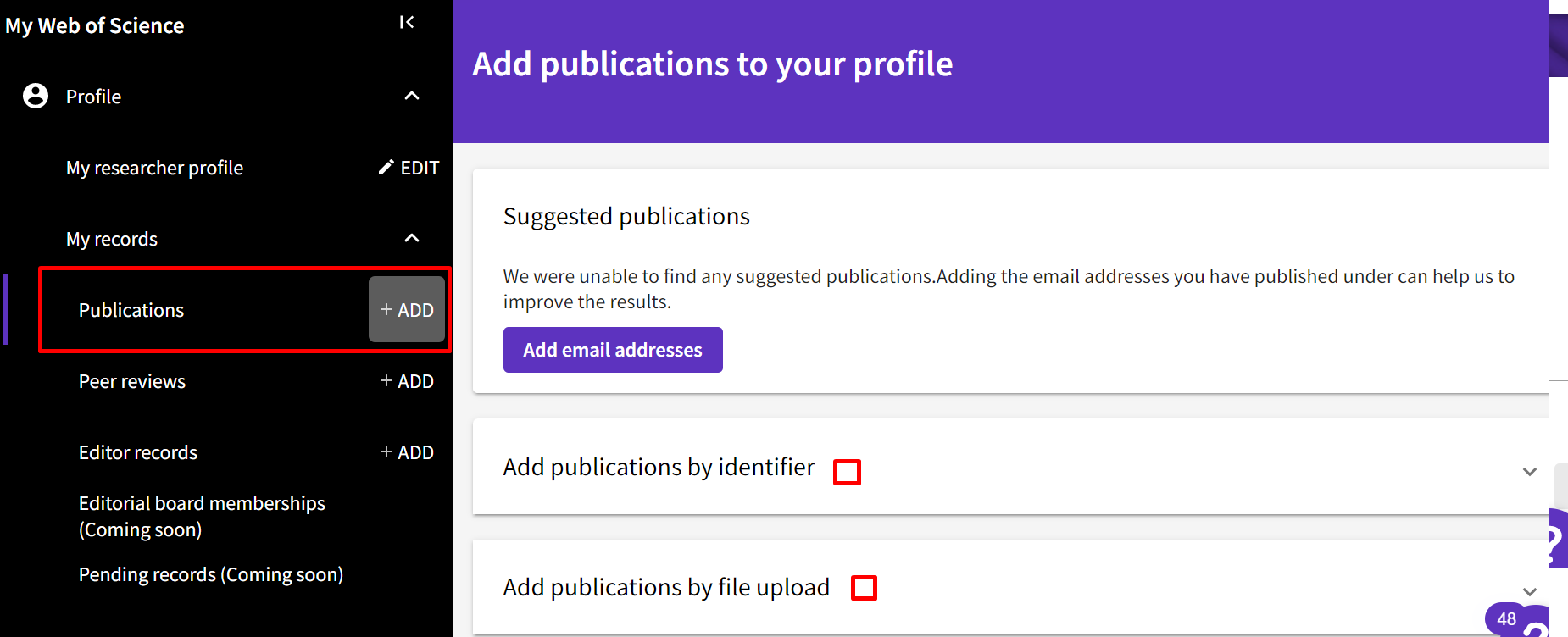
By going to the Menu, you can get information about your publications, find out about the current h-index and more. Also if your article is after indexing in the database, was not automatically added to your profile, You can do it manually, namely by pressing a button Profile -> My records -> Publications, and then -> +ADD (add a post).
Please follow and like us:


